A Comprehensive Guide to Choosing the Best Tablet for Both Study and Entertainment
In today’s fast-paced, information-driven world, tablets are no longer just tools for watching videos or playing games. More and more families are equipping their children with tablets to aid in daily learning and entertainment. At the same time, students and professionals alike are seeking all-in-one devices that can handle everything from studying to binge-watching. The tablet market in 2025 offers an overwhelming variety of choices—differing in performance, operating systems, display quality, pricing, and accessory compatibility. So, how do you choose a tablet that balances productivity and play?
I’ll walk you through key considerations: usage scenarios, comparisons between major operating systems, in-depth model recommendations, accessory advice, and budget-based selections. All mentioned products are available on Amazon and other mainstream platforms, ensuring a convenient and secure shopping experience.
Who Needs a “Study + Entertainment” Tablet the Most?
Not everyone needs a multifunctional tablet, but if you fall into one of the following categories, a versatile tablet can greatly improve your daily productivity and quality of life:
- Students: Whether in elementary school or university, students benefit from tablets for online classes, homework, note-taking, language learning, and even beginner coding.
- Young Professionals: Ideal for reading, video consumption, remote work, and video conferencing during commutes or travel.
- Families: Parents seeking a tool for their children’s early learning, reading, and educational games—while also enjoying movies and shows themselves during downtime.
- Multi-device Users: Those who already have a laptop but want a portable alternative for reading, streaming, digital drawing, or research.
Operating System Comparison: iPadOS, Android, or Windows?
iPadOS: Rich Learning Resources and Strong Entertainment Experience
Apple’s iPad series offers the most comprehensive tablet ecosystem. iPadOS supports a wide array of high-quality educational apps like GoodNotes, Notability, Khan Academy, and Duolingo, along with seamless Apple Pencil integration. For entertainment, services like Apple TV+, Netflix, and Spotify are optimized for the system. Perfect for users who prioritize app variety, writing experience, and system smoothness.
Android: High Cost-Performance Ratio and Versatile Options
Android tablets shine in variety and affordability. They support numerous learning apps and games from Google Play, and offer extensive compatibility with external devices like USB drives and SD cards. Brands like Samsung, Lenovo, and Xiaomi have optimized their own Android systems to enhance multitasking and large-screen usability. Best suited for budget-conscious users or those who enjoy customization and media consumption.
Windows: Productivity-Oriented for Study and Work
Windows tablets, such as the Surface series, resemble lightweight laptops and support full desktop software like Word, Excel, and PowerPoint. They’re ideal for students needing to write papers, analyze data, or code. However, they lag behind in entertainment app diversity and touch-friendly experiences compared to iPadOS and Android.
Top “Study + Entertainment” Tablets Worth Buying in 2025
1. Apple iPad Air (M2, 2024 Edition)
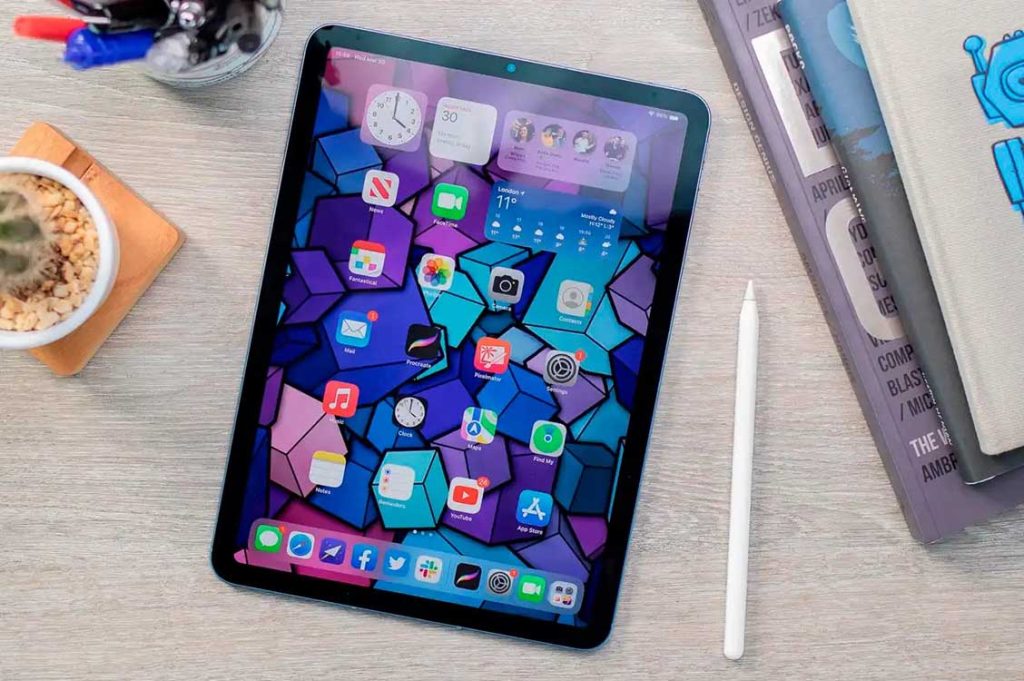
- OS: iPadOS 17 (upgradable to 18)
- Display: 10.9” Liquid Retina, True Tone
- Processor: Apple M2
- Accessories: Supports 2nd-gen Apple Pencil and Magic Keyboard
- Weight: Approx. 462g
- Battery Life: About 10 hours
With the M2 chip, the iPad Air offers top-notch performance for online classes, light video editing, and Office work. The display is crisp and supports multitasking and note-taking with Apple Pencil. More affordable than the iPad Pro series, it’s a solid choice for students and families. Often available in bundles with accessories on Amazon.
2. Samsung Galaxy Tab S10+
- OS: Android 15 + OneUI
- Display: 12.4” Super AMOLED, HDR support
- Processor: Qualcomm Snapdragon 8 Gen 4
- Accessories: S Pen included, keyboard sold separately
- Weight: 575g
- Battery Life: Over 12 hours
The Galaxy Tab S10+ is a well-rounded Android tablet. It handles educational apps like Samsung Notes and Google Docs with ease, while offering an outstanding media experience thanks to its AMOLED screen and quad speakers. Samsung DeX mode simulates a desktop interface for enhanced multitasking. Perfect for users who want both work and play.
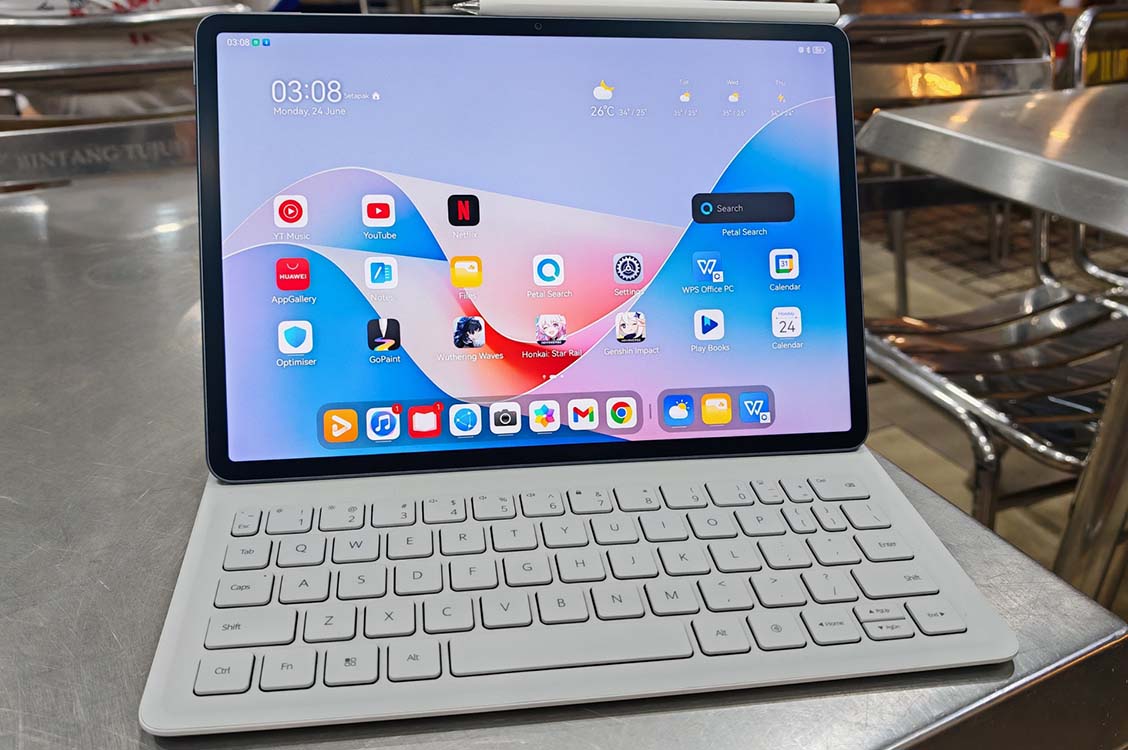
3. Huawei MatePad 11.5S
- OS: HarmonyOS 4
- Display: 11.5” OLED, 2.8K resolution, eye protection
- Processor: Kirin 9000S
- Accessories: M-Pencil (3rd gen), smart magnetic keyboard
- Weight: 520g
- Battery Life: 12 hours
This mid-range flagship focuses on a refined learning experience. Features like synchronized audio-note recording, Huawei Education Center, and split-screen tools cater to students. The device also excels in media playback. HarmonyOS enables seamless device collaboration across Huawei products. English system versions are available on Amazon.
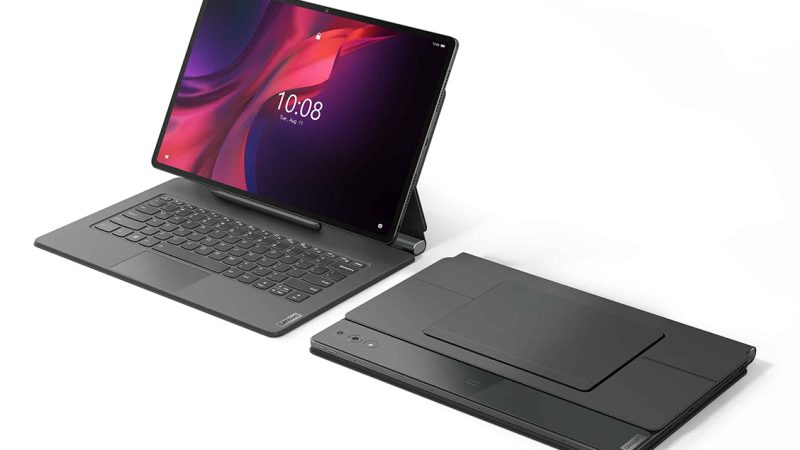
4. Lenovo Tab P12
- OS: Android 14
- Display: 12.7” LCD, 2K resolution
- Processor: MediaTek Dimensity 7050
- Accessories: Includes stylus and magnetic keyboard
- Weight: 615g
- Battery Life: Approx. 13 hours
An excellent value-for-money option, the Tab P12 features a large display and sufficient performance for basic learning tasks like PDF markup, online lessons, language practice, and assignments. It also handles light entertainment well. Frequently bundled with accessories on Amazon, making it a cost-effective choice for parents.
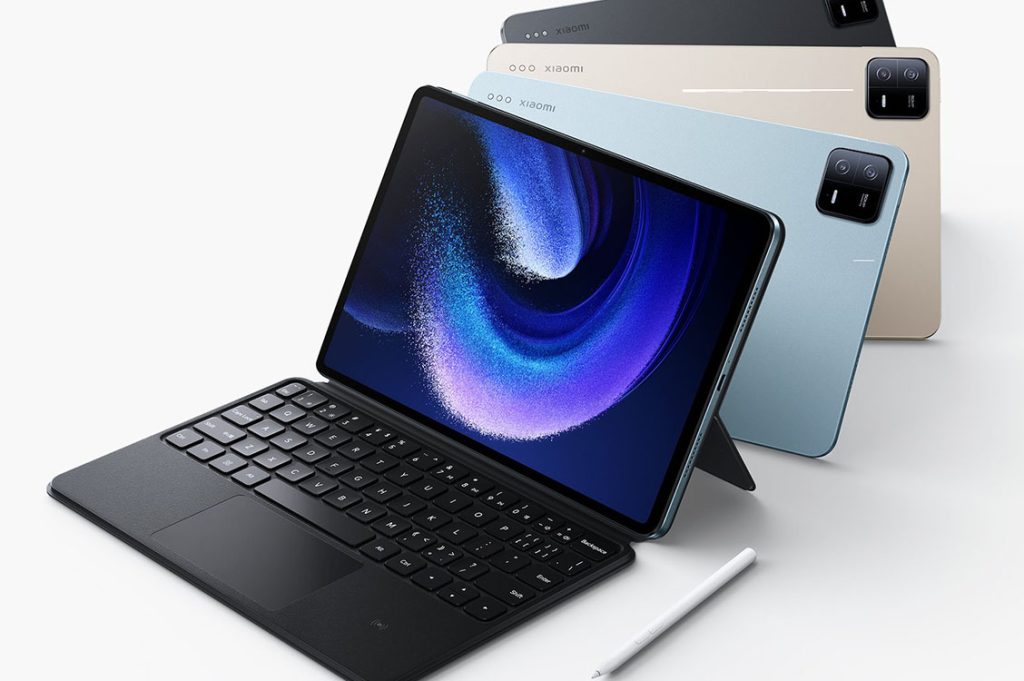
5. Xiaomi Pad 6 Pro
- OS: MIUI Pad (based on Android 14)
- Display: 11” LCD, 144Hz refresh rate
- Processor: Snapdragon 8+ Gen 1
- Accessories: Xiaomi 2nd-gen stylus, magnetic keyboard
- Weight: 490g
- Battery Life: 11 hours
With superb entertainment performance, high refresh rate display, and stereo speakers, this tablet is perfect for gaming, streaming, and music. MIUI optimizations also support multitasking, note-taking, and reading modes. It outperforms most competitors in its price range—ideal for college students and young users. Available on Amazon’s international store.
Recommended Accessories for Tablets
To unlock your tablet’s full potential, consider these add-ons:
- Stylus Pens: Like Apple Pencil, S Pen, or M-Pencil—essential for note-taking, drawing, and annotations.
- Keyboard Covers: Improve typing efficiency and double as stands for video watching.
- Docking Stations/Adapters: Expand functionality with USB drives, mouse, HDMI, etc.
- Eye Protection Screen Films: Especially important for younger users during long study hours.
How to Choose Based on Budget
| Budget Range | Recommended Models | Target Users |
| Under ¥1500 | Lenovo Tab P11 / Xiaomi Pad 6 Standard Edition | Basic learners, casual video consumption |
| ¥2000–3000 | Huawei MatePad 11.5S / Galaxy Tab S7 FE | Students or families sharing one device |
| Over ¥4000 | iPad Air M2 / Galaxy Tab S10+ | University students, working professionals |
| Over ¥6000 | iPad Pro / Surface Pro / ROG Flow | Creative professionals, heavy multitaskers |
One Tablet, Endless Possibilities—Balancing Learning and Fun
A modern tablet is no longer just a “bigger phone.” It’s a powerful bridge connecting education, entertainment, work, and leisure. The right device can make learning more efficient and elevate your lifestyle.